REMOTE SCREEN SUPPORT FOR MSPs
See their screen. Skip the install.
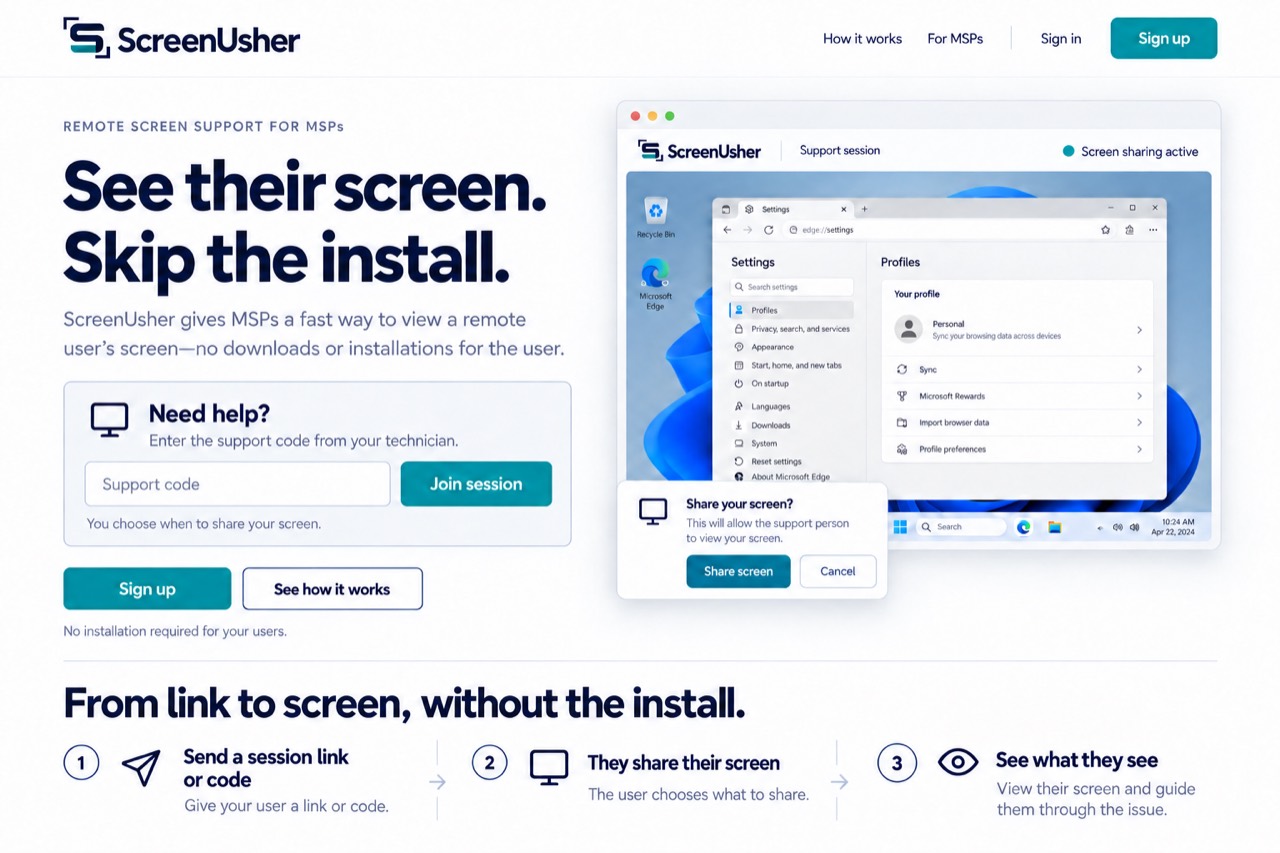
ScreenUsher gives MSPs a fast way to view a remote user’s screen—no downloads or installations for the user.
Need help?
Enter the support code from your technician.
Your technician:
You choose what to share. You can stop at any time.
No installation required for your users.
From link to screen, without the install.
- 1
Send a session link or code
Give your user a link or code.
- 2
They share their screen
The user chooses what to share.
- 3
See what they see
View their screen and guide them through the issue.
FOR MSP SUPPORT TEAMS
A fast start. A clearer conversation.
Give your technicians a shared place to start support sessions, manage team access and review session history. Your customer stays in control of their screen.